

There Is No Password to Remember Here
On a Tuesday afternoon last March, I pulled up Chatrandom expecting a sign-in page, a forgotten password link, or a registration form. The reality is refreshingly simple: there is no account system in the traditional sense. You visit the site, click one button, and you are live. That is the entire process. No email address, no username, no profile picture to upload.
This matters because it removes the friction that puts so many people off social platforms. Think about how many times you have abandoned a sign-up form halfway through because it asked for too much. Here, that barrier simply does not exist. You can start chatting instantly, which is exactly what the platform was built for.
How to Access Chatrandom Step by Step
Even without a formal account, there is still a clear path to follow the first time you visit. Open your browser and go directly to the start chat page. You will see a prominent button on the homepage. Click it, allow camera and microphone access when your browser asks, and the platform matches you with another user in roughly 5 seconds. If the match is not a good fit, you skip and connect with someone new immediately.
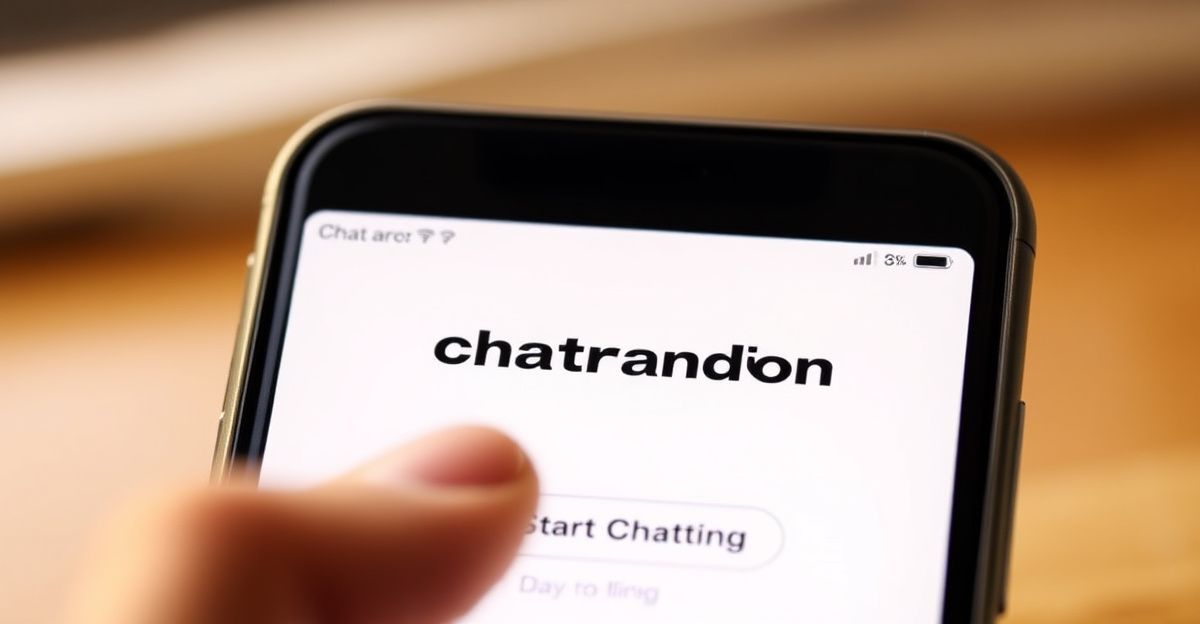
It is worth allowing camera permissions properly the first time. Many access issues people report are simply the browser blocking the webcam, not any problem with the site itself. On Chrome or Firefox, you will see a small camera icon in the address bar after you click Start Chat. Click that icon and select "Allow" if the chat is not loading as expected. Reflect on whether your browser settings might be the quiet obstacle here rather than anything platform-related.
Bookmarking Is Your Best Friend
Last Wednesday at around half past eight in the evening, I noticed a friend messaging me in a panic, asking where she could find the site quickly without trawling through search results. I told her exactly what I do myself: go directly to chatrandom.co.uk and tap the start button right on the homepage, no complex navigation required. Be kind to yourself if tech occasionally feels like a barrier. Bookmarking the direct link means next time it takes seconds, and you are straight into meeting new people rather than hunting through a browser history. On mobile, you can also add the page to your home screen so it behaves almost like a native app, even though no account is involved.
What If You Want More Control Over Your Experience?
Anonymous access is great for spontaneous connections, but some users wonder whether creating a more structured presence is possible. At the moment, Chatrandom's model is built around anonymity and instant access rather than persistent profiles. That is a deliberate design choice, and it keeps the experience lightweight. If you are looking for a more structured registration process or saved preferences, it is worth knowing that the platform keeps things intentionally minimal.
What you can control is your own behaviour and safety. The platform uses encryption to protect data during chats, and it provides reporting tools so you can flag anyone who behaves inappropriately. The moderation team follows up on reports, which helps keep the community reasonably safe. If you meet someone who makes you uncomfortable, use the skip button immediately and report the session. You do not owe anyone your time or attention.
Is Chatrandom Safe to Use in the UK?
In Great Britain, Chatrandom is fully accessible and there are no regulatory blocks in place. The platform is intended for adults aged 18 and over, and it relies on users respecting community guidelines rather than verified identity checks. That means a degree of personal responsibility is part of the deal. Avoid sharing identifying information like your full name, address, or workplace during video chats. Authentic connection is absolutely possible here, but it works best when you protect your own privacy first.
Some users do encounter bots or low-quality interactions, which is a known challenge across the random chat vertical, not unique to this platform. If a conversation feels scripted or pushes you toward an external link, skip and move on. Before your next session, take sixty seconds to check your browser's camera and microphone permission settings and confirm the Chatrandom URL is bookmarked on your home screen - that single preparation step is what separates a smooth experience from a frustrating one.
Comments
No comments yet.
Leave a comment
Your email will not be shown. Comments are reviewed before they appear.