

Why Your Webcam Setup Matters More Than You Think
Within 5 seconds of matching on a random video platform, the person on the other end has already formed an opinion of you. A dark frame, a blurry lens, or a frozen feed can end a conversation before it begins. Getting your webcam right is not about vanity. It is about giving the interaction a fair chance.

Chatrandom cam chat is designed for spontaneous, anonymous conversations with strangers from around the world. The platform is free, requires no account, and is accessible via any modern browser. That simplicity is a strength, but it also means the quality of your setup is entirely in your hands.
Step One: Grant Browser Permissions Correctly
The most common reason a webcam does not work on Chatrandom is a blocked browser permission. When you visit the site and click Start Chat, your browser will ask whether it can access your camera and microphone. You need to click Allow, not Block. If you accidentally clicked Block in a previous session, here is how to fix it.
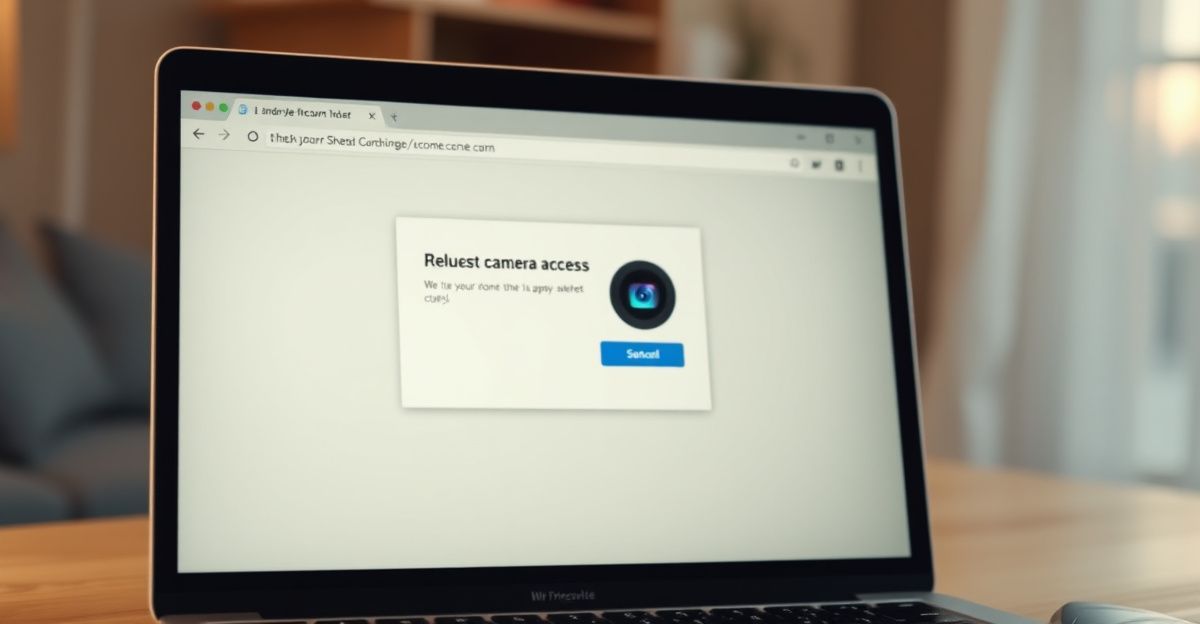
In Chrome, go to Settings, then Privacy and Security, then Site Settings, and look for Camera and Microphone. Find the Chatrandom entry and switch both from Blocked to Allow. In Firefox, click the padlock icon in the address bar and reset the permissions from there. Safari users on a Mac can adjust this under System Settings, then Privacy and Security, then Camera. Once you have updated the permission, refresh the page and try again. This single step resolves the vast majority of webcam issues reported by users.
Step Two: Lighting, Position, and Background
Good lighting costs nothing. Sit facing a window or a lamp so the light falls on your face rather than behind you. A backlit setup makes you look like a silhouette, which reads as untrustworthy to a stranger who has never seen you before. Natural daylight is the most flattering option, and it requires zero extra equipment.
Position your webcam at eye level if you can. A camera pointing upward from a laptop on a low table creates an unflattering angle and can feel uncomfortable for the person watching. Prop the laptop on a few books or use an external webcam on a stand. Your background matters too. A tidy, neutral background keeps the focus on you and avoids distracting whoever you are chatting with. These are small adjustments, but they signal that you are taking the conversation seriously, which tends to attract more genuine responses in return.
Step Three: Test Before You Connect
Before jumping into your first Chatrandom session, take a moment to test your setup. Windows users can open the Camera app from the Start menu to check the feed. Mac users can open Photo Booth. On both, you will immediately see what your webcam captures and whether the lighting looks right. Check that your microphone picks up your voice at a normal speaking volume, and reduce background noise where you can. A noisy environment makes conversation genuinely difficult and often causes the other person to skip to the next match.
Last January, on a quiet Sunday afternoon, I sat down to run exactly this kind of check before my first session on a new platform. I gave myself ten minutes, opened the Camera app on my laptop, nudged the screen toward the window for better light, and confirmed the microphone was picking up my voice clearly at a normal volume. Taking that first imperfect step was worth far more than waiting for a setup I could call perfect. The same principle applies here. You can refine things as you go.
What to Expect Once You Start Chatting
Once your camera and microphone are working, visit Start Chat on Chatrandom and the platform will begin matching you with another user. The process takes roughly 5 seconds. If you want to explore what the platform offers before committing to a video session, take a look at the features overview to understand options like text chat and Chat Random TV.
You remain anonymous throughout unless you choose to share personal details. Chatrandom uses encryption to protect your data, and the platform provides reporting tools if you encounter inappropriate behavior. For a broader look at what is available on the platform, the free video chat page gives a useful starting point. The platform is intended for adults aged 18 and over, and that age limit applies regardless of which country you connect from, including the UK.
Staying Safe During Cam Chat Sessions
Anonymity is one of Chatrandom's genuine strengths, but it works both ways. The person you connect with is also anonymous. Keep personal information to yourself during early conversations. Do not share your full name, location, workplace, or any financial details. If a match asks you to move the conversation to WhatsApp or Telegram within the first few minutes, treat that as a warning sign. Bots and fake profiles do exist on random chat platforms, and a request to leave the platform quickly is one of the clearest indicators.
Use the in-platform report button the moment something feels off. The moderation team reviews reports and acts on them. Being kind to yourself also means recognising when a conversation is not going well and simply pressing next. You are not obligated to stay in any chat that makes you uncomfortable. Reflect on what you actually want from the session before you start, and that clarity will help you make better decisions in the moment.
Quick Checklist Before Your First Session
Run through these four points before you click Start Chat. First, confirm your browser has camera and microphone access for the site. Second, check your lighting so your face is clearly visible. Third, test your feed in your device's camera app. Fourth, close any other tabs or apps that might be using your webcam, since two applications competing for the same device will often result in a black screen. Before your next session, pick just one item from that list you have not checked before and sort it today - you might be surprised how much difference a single small fix makes to the quality of your random video chat connections.
Comments
No comments yet.
Leave a comment
Your email will not be shown. Comments are reviewed before they appear.